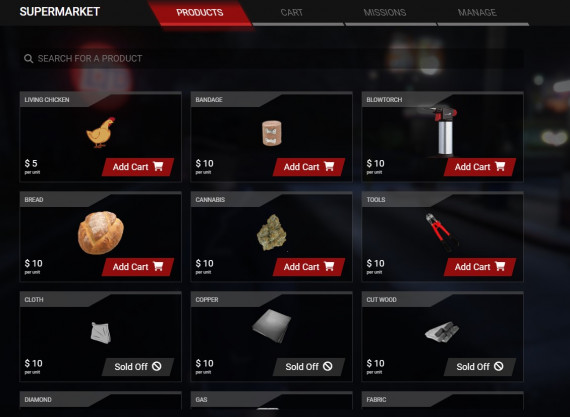
Explanation:
After some time and at the request of many, we decided to recreate our Manage Stores script. Correcting several problems that previously existed and facilitating the creation of new stores.
Create stores within the game via the admin menu. Players will be able to shop the store and customize the colors and name the way they want. You'll be able to manage the store by placing items, money and creating missions for other players.
Features:
You will be able to create different types of stores on your server.
You will be able to create as many stores as you want on your server with a different variety of products.
You will be able to define the coordinates of each store, the color of the header, the color of the buttons, the type of marker on the ground, the type of blip, the name, the products and the price of the store.
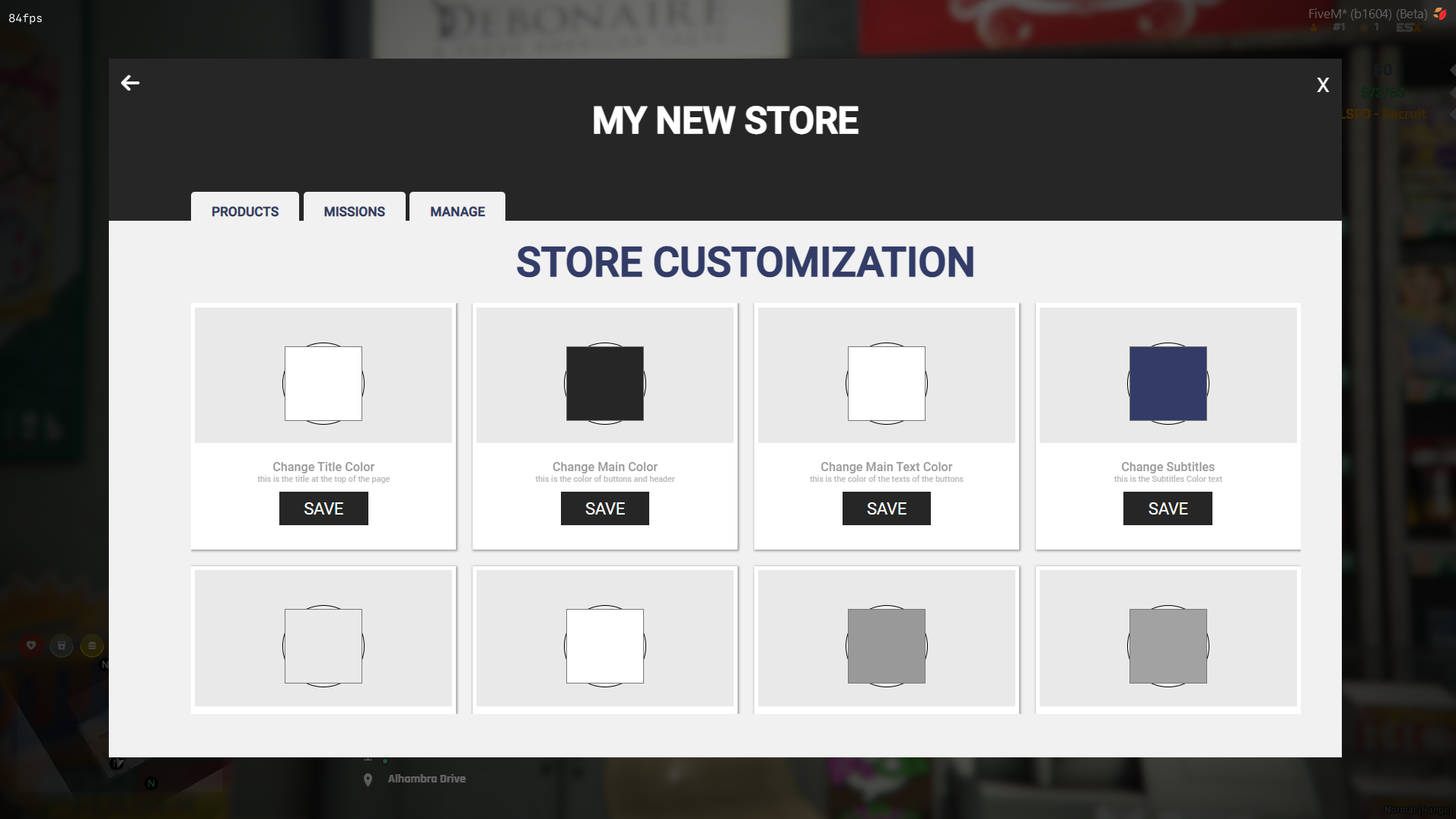
Owner can edit store name and colors.
It is possible to define whether the store will be with normal money or black money.
Shop quests are with inventory items.
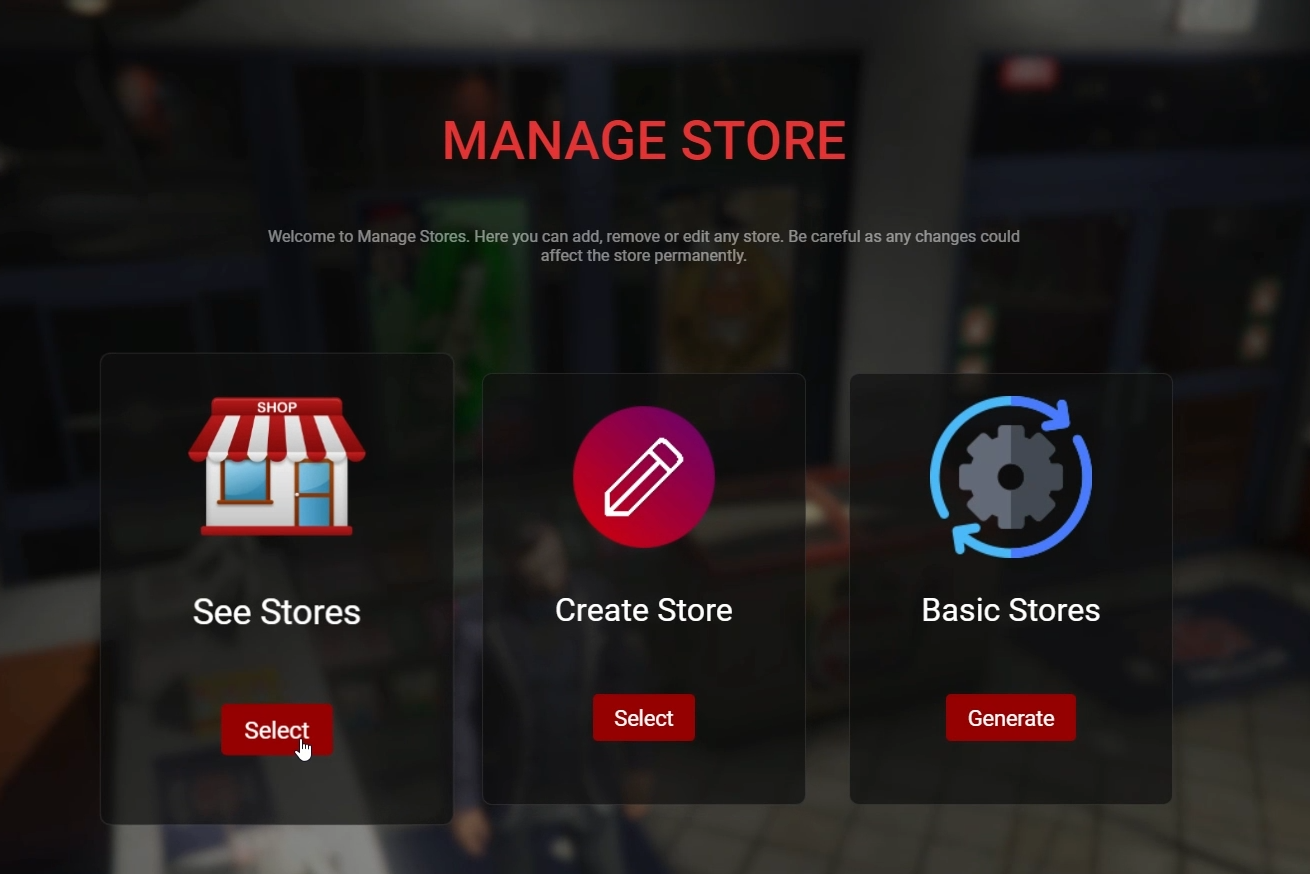
Administrators will be able to access the script's management menu and create, delete or edit a store.
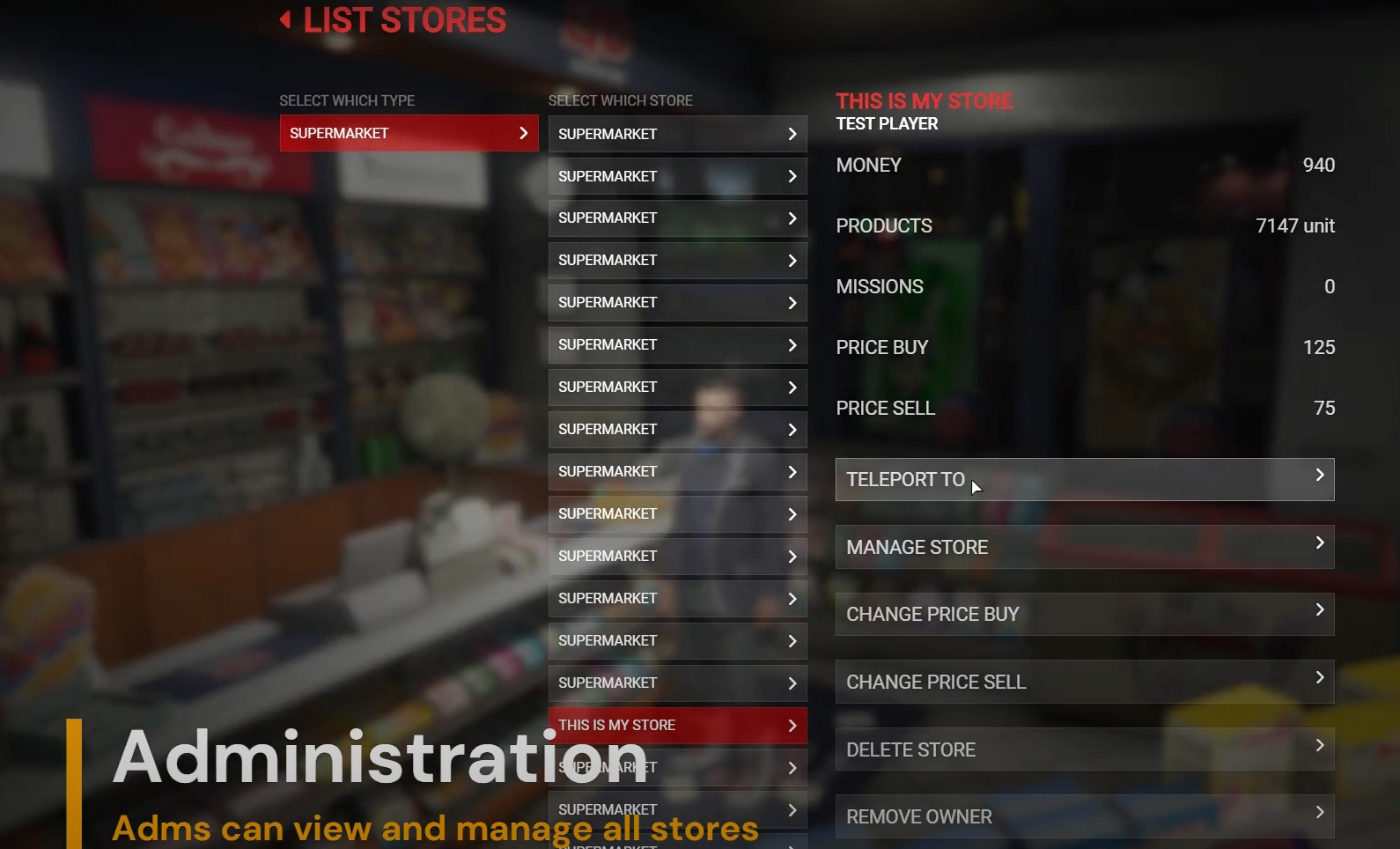
Admins can teleport, manage, delete, remove owner and change prices of a store.
Players can buy stores.
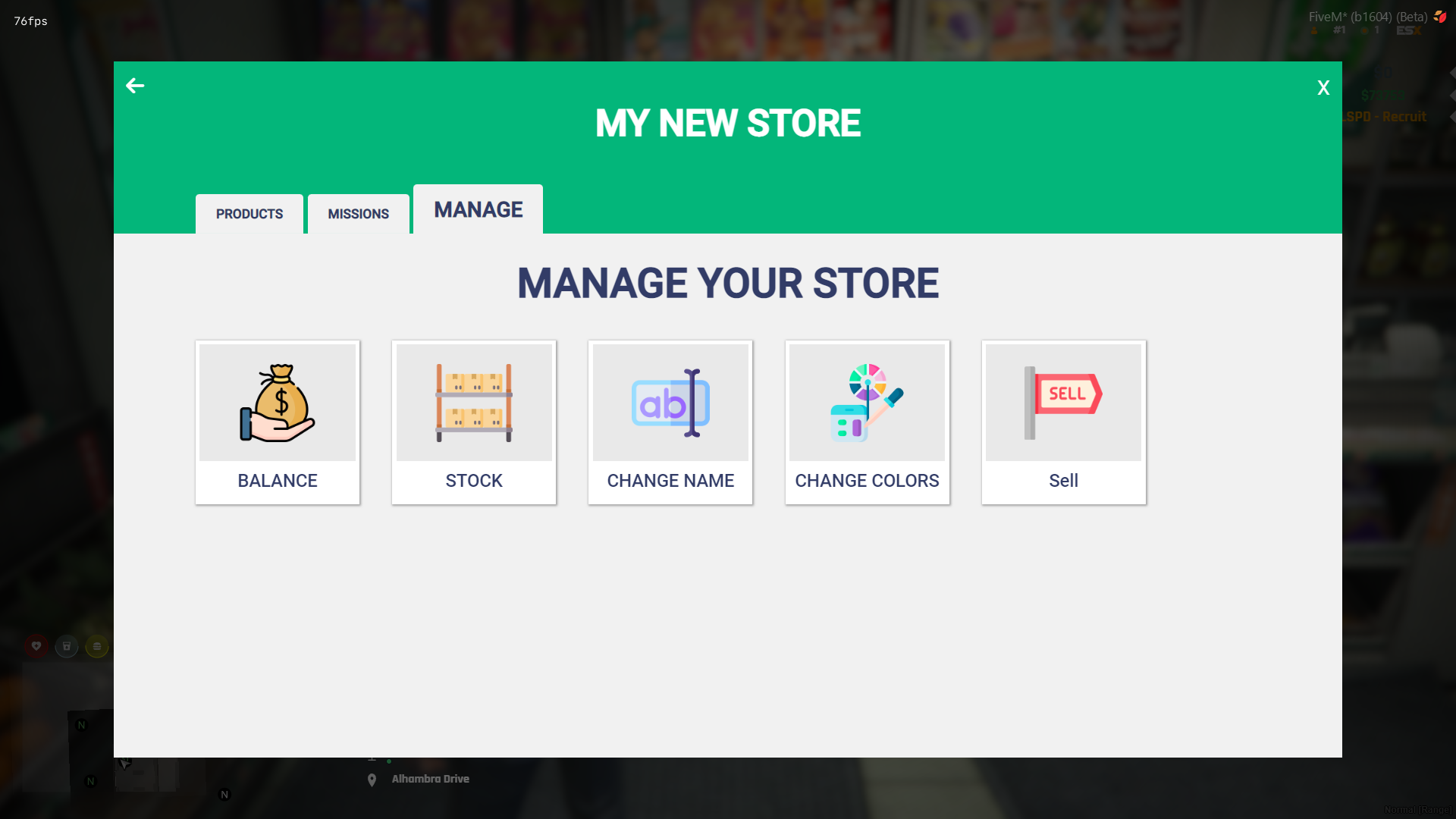
Players can manage the stores.
Players can sell the store.
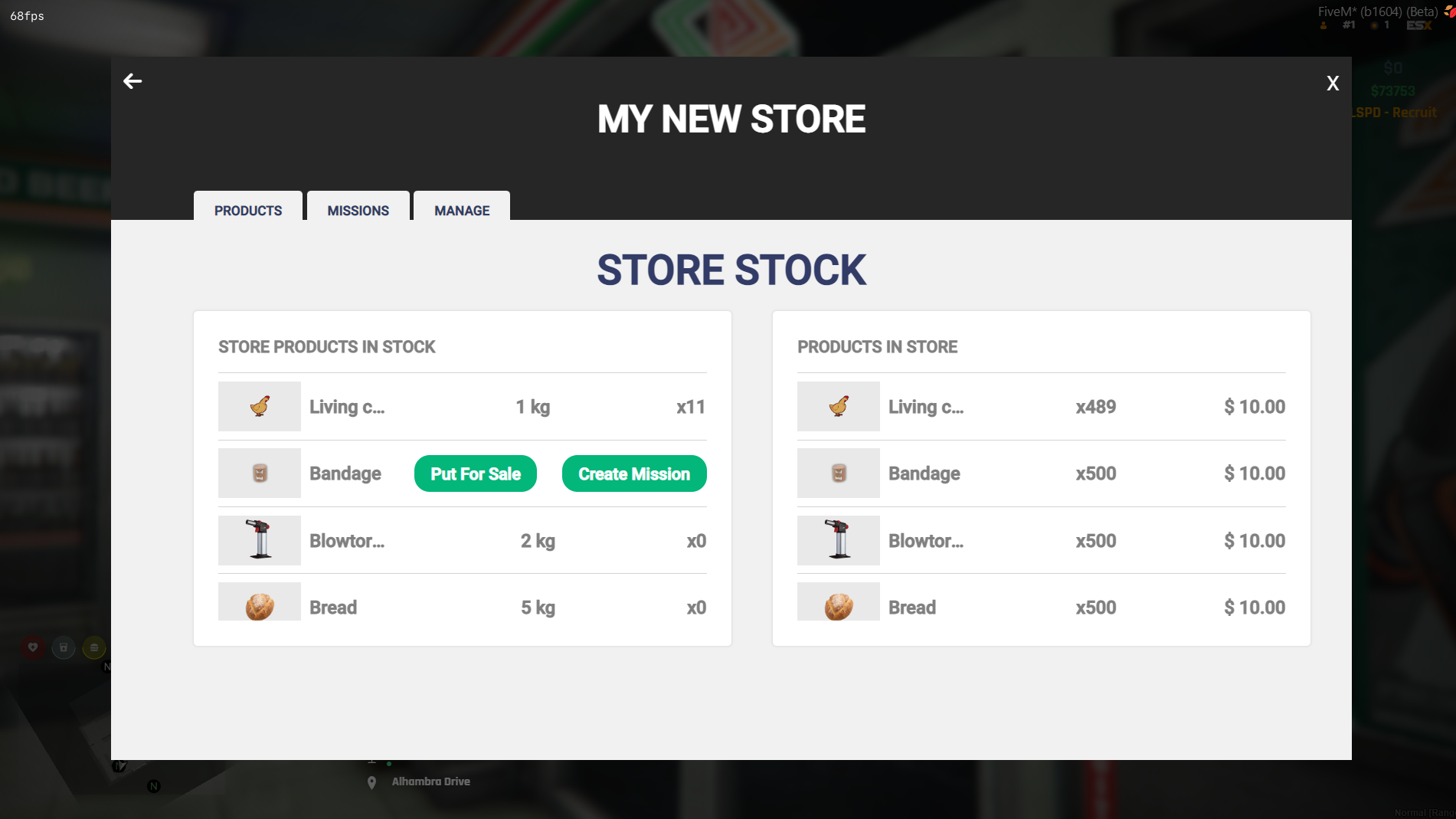
The store owner will be able to put money in or Withdraw money from the Store Balance.
When other players purchase a product from the store, the full amount will be placed on the Store Balance.
The store owner will be able to request missions to earn new products. For each mission, the store must pay an amount based on the quantity of products requested.
The player can accept a mission by going to the shop and clicking on the missions tab.
To deliver a mission, the player must have the necessary item in their inventory, in the correct amount.
Very easy to configure and translate.
When purchasing, you will receive 3 versions by email: ESX, QBCore and Standalone. In the standalone version, it will be necessary to configure the functions of the Standalone.lua file.
You will have full access to the code and it has no IP blocker.
VRP:
The VRP version is not yet available on this script, however it will be available soon.
Updates:
There are still several updates that were requested from us, but that we haven't had time to implement in the script yet. Such updates will be placed in the script in the future, such as theft, graphical interface for missions that can be opened anywhere on the map and among several other updates.
Resmon:
The script is fully optimized, getting 0.01ms away from stores and 0.04ms away from stores.
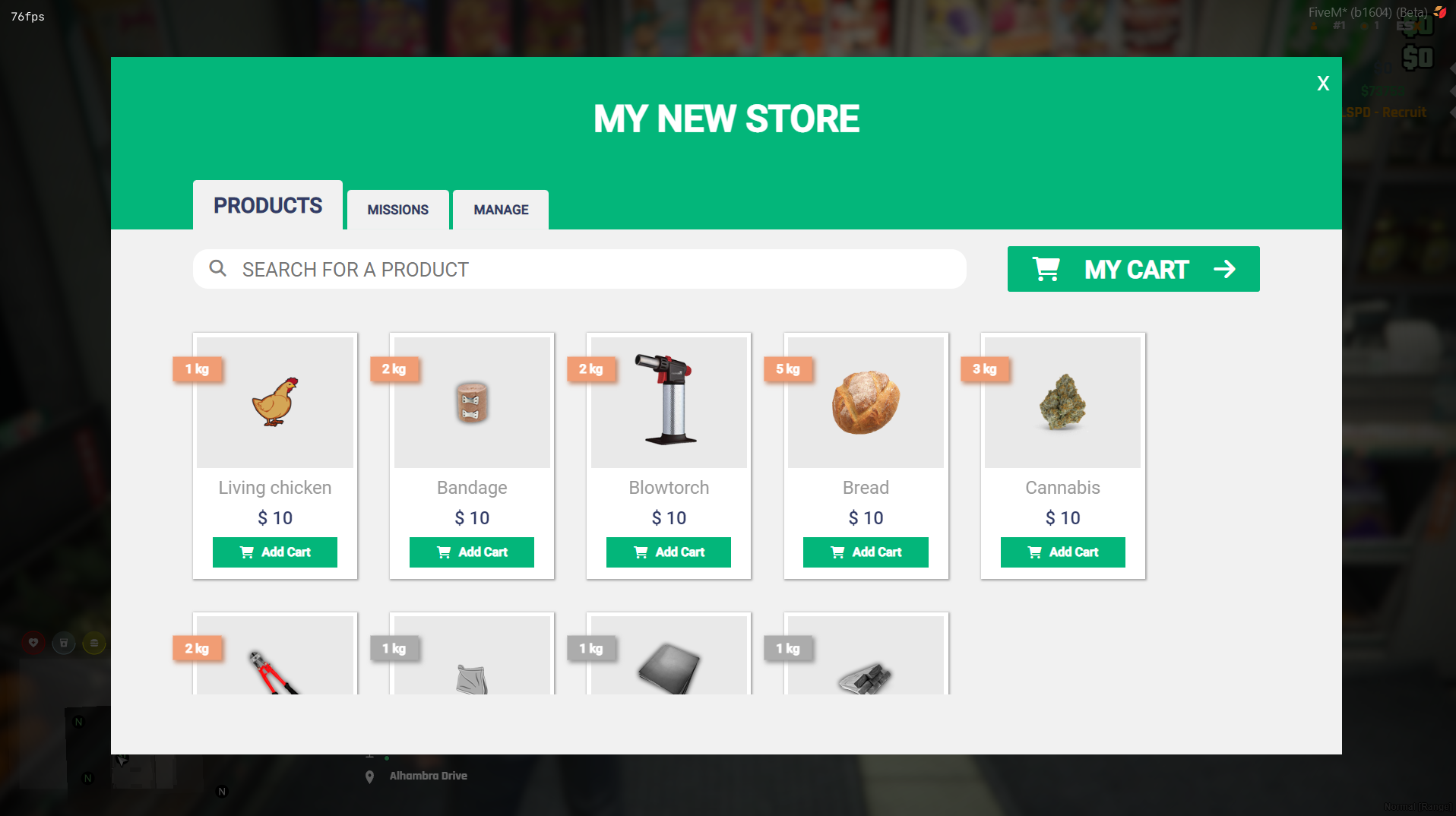
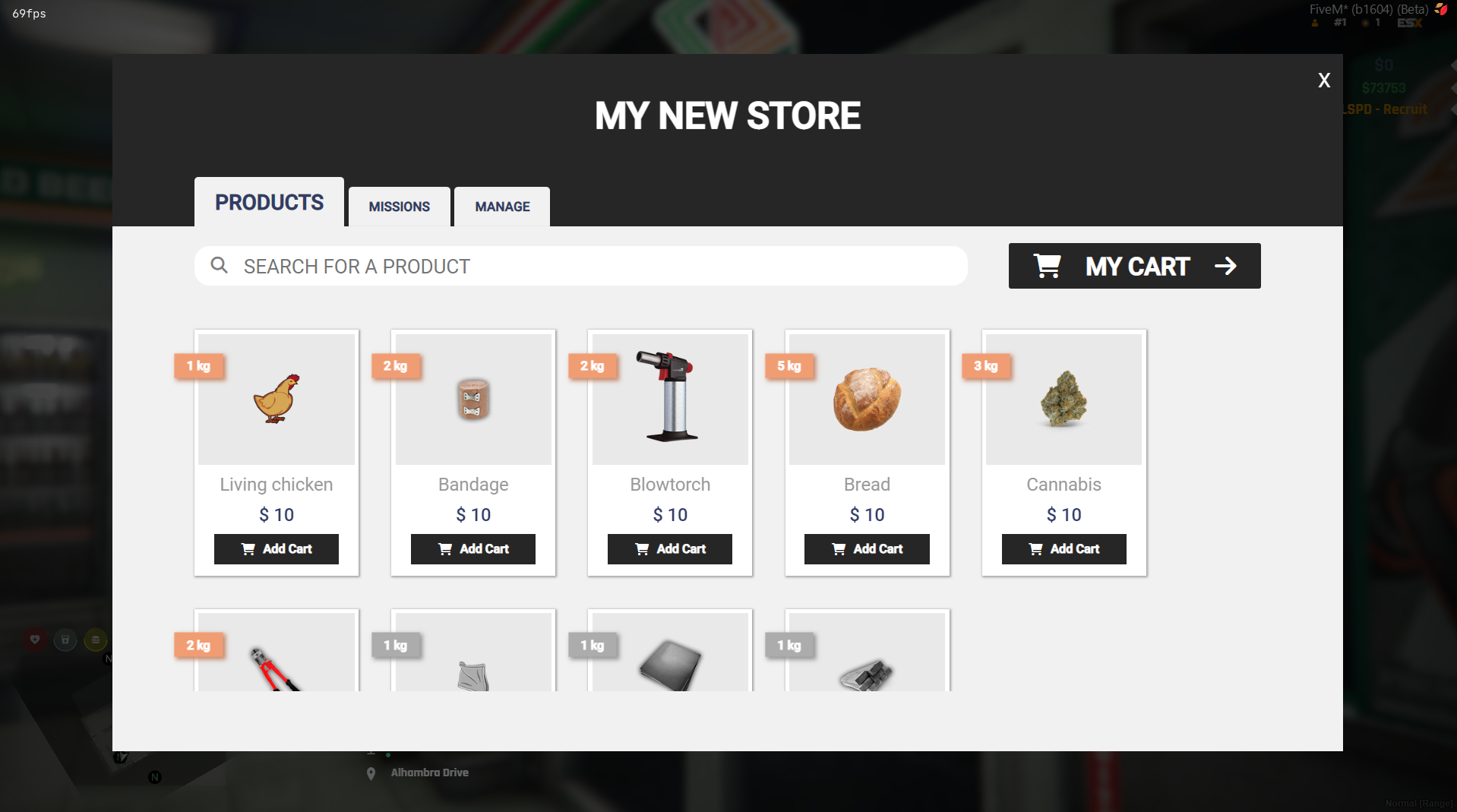
SuperMarket:
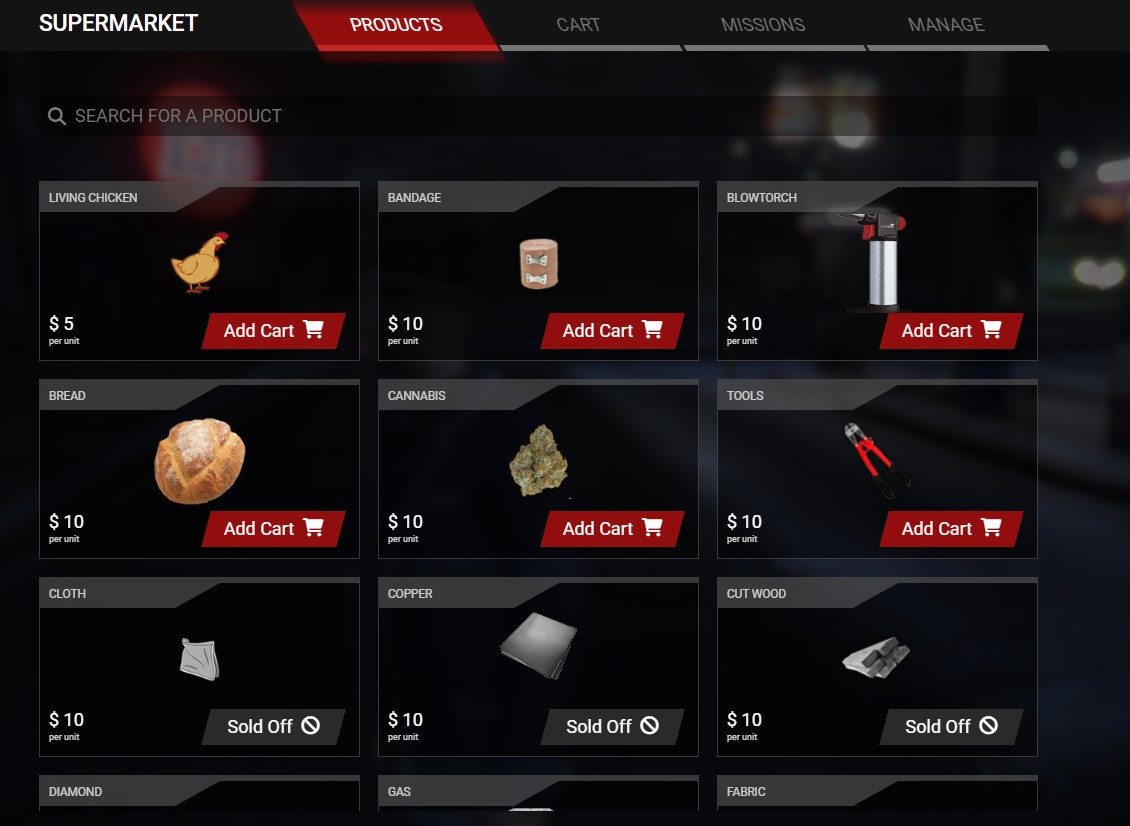
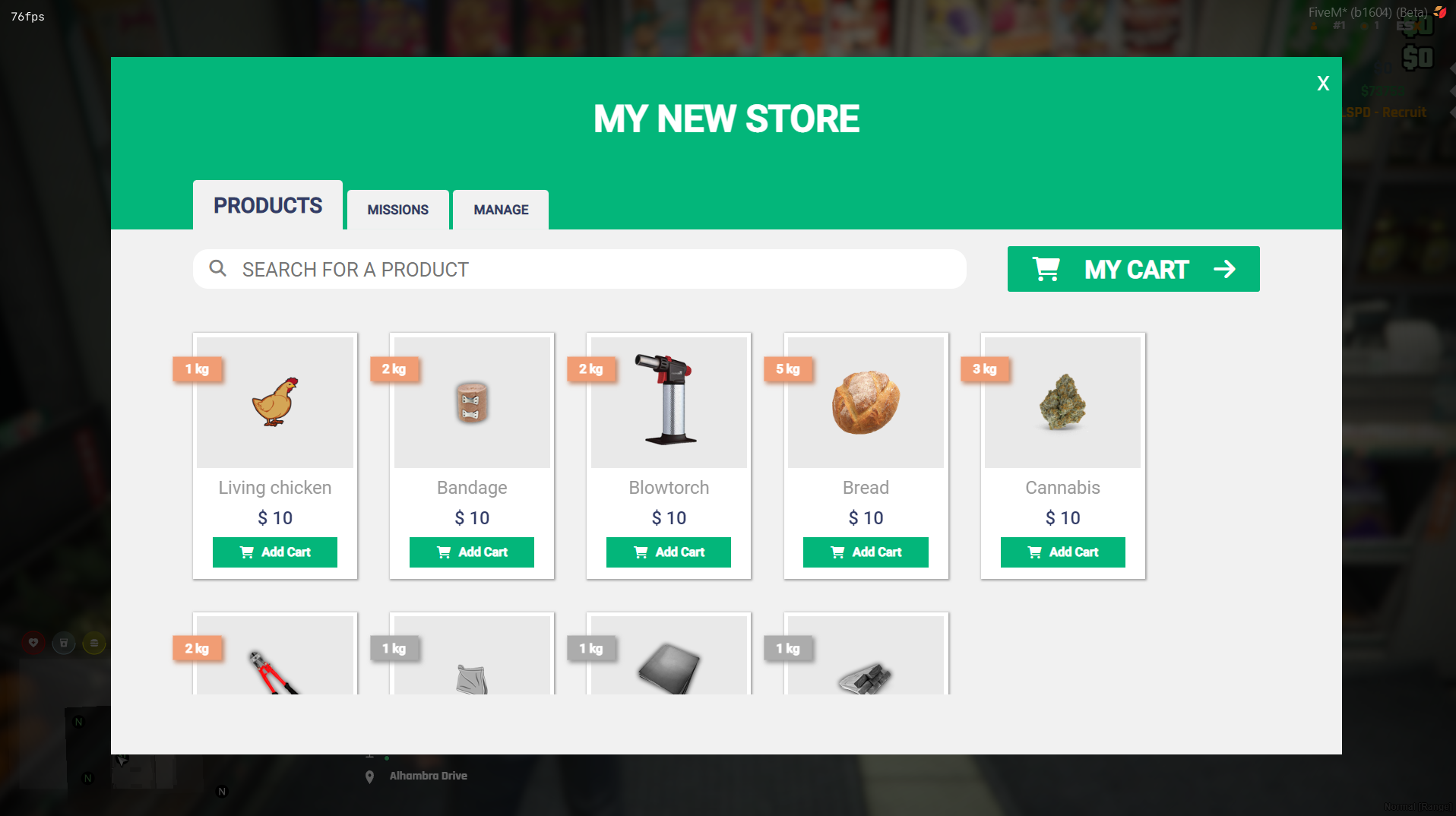
A second template:
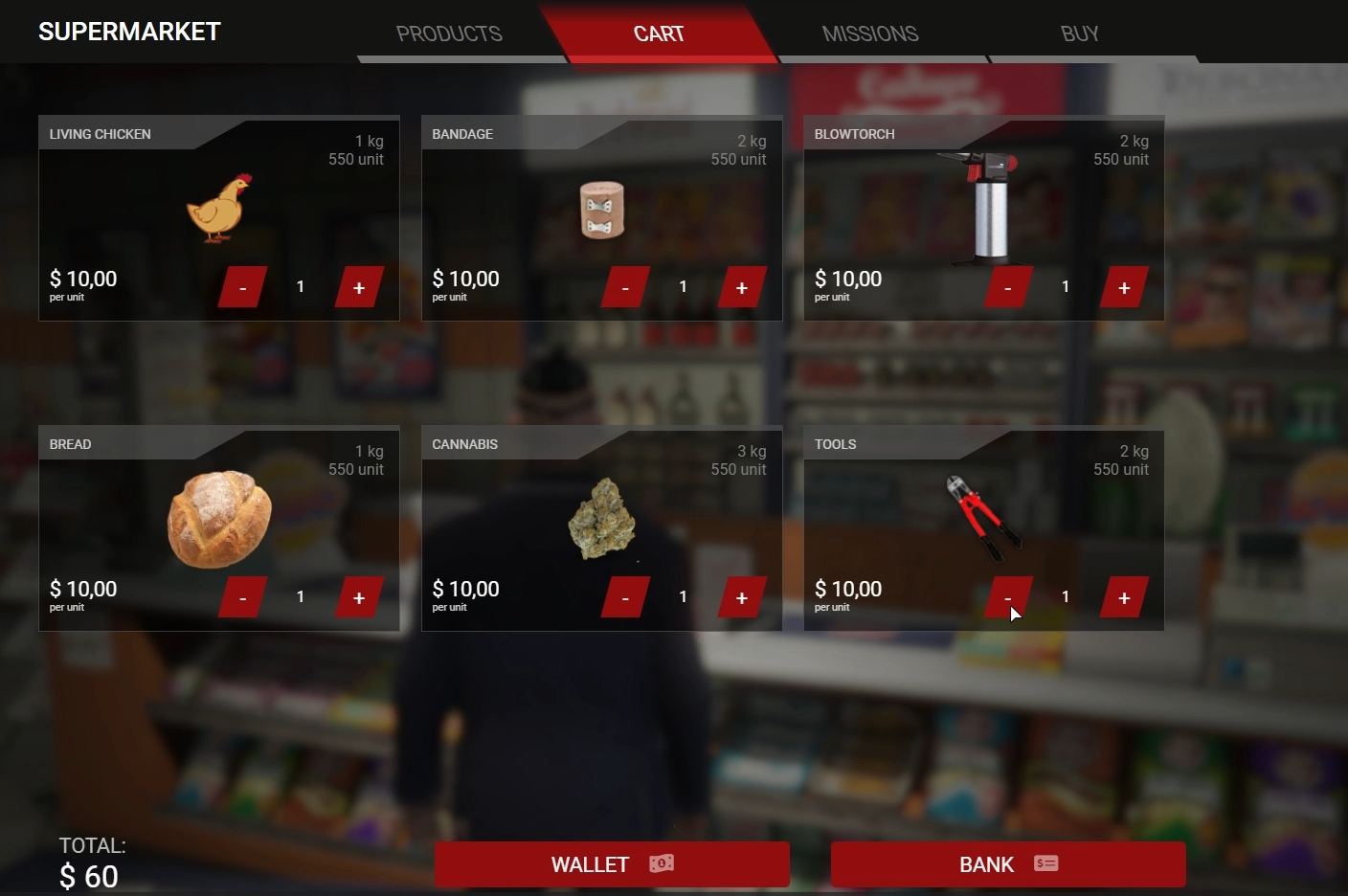
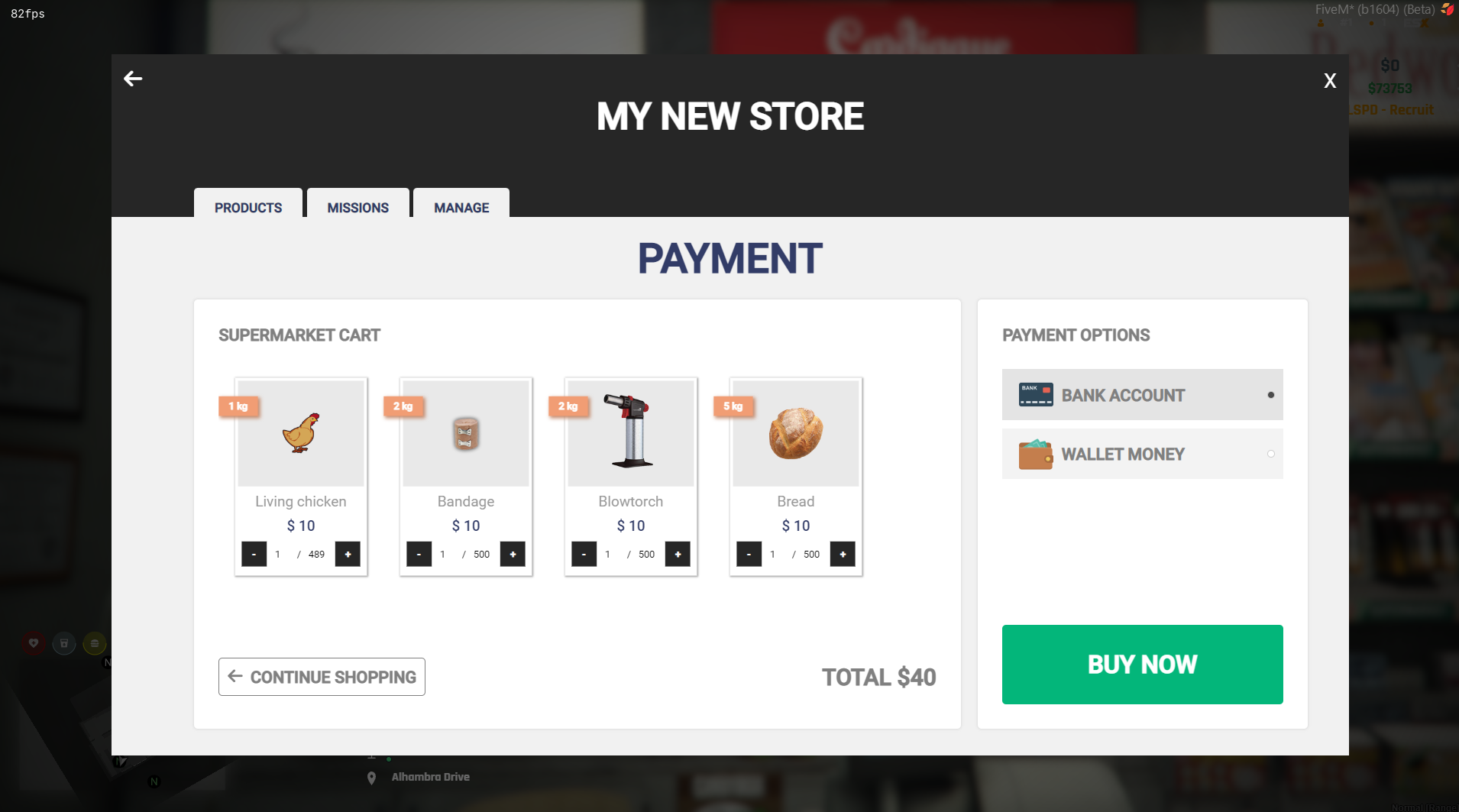
Cart SuperMarket:
Mission SuperMarket:
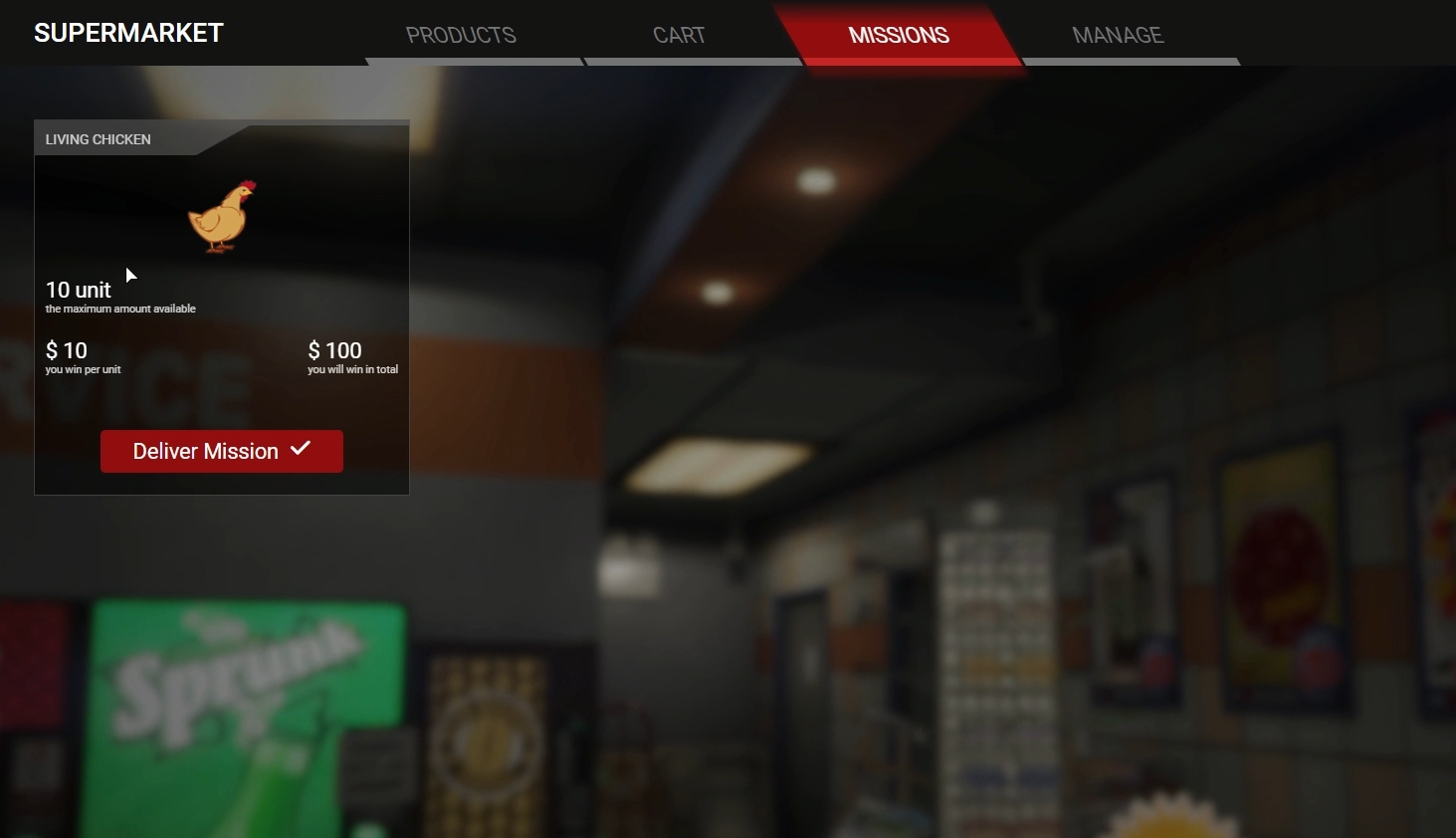
Manage Store:
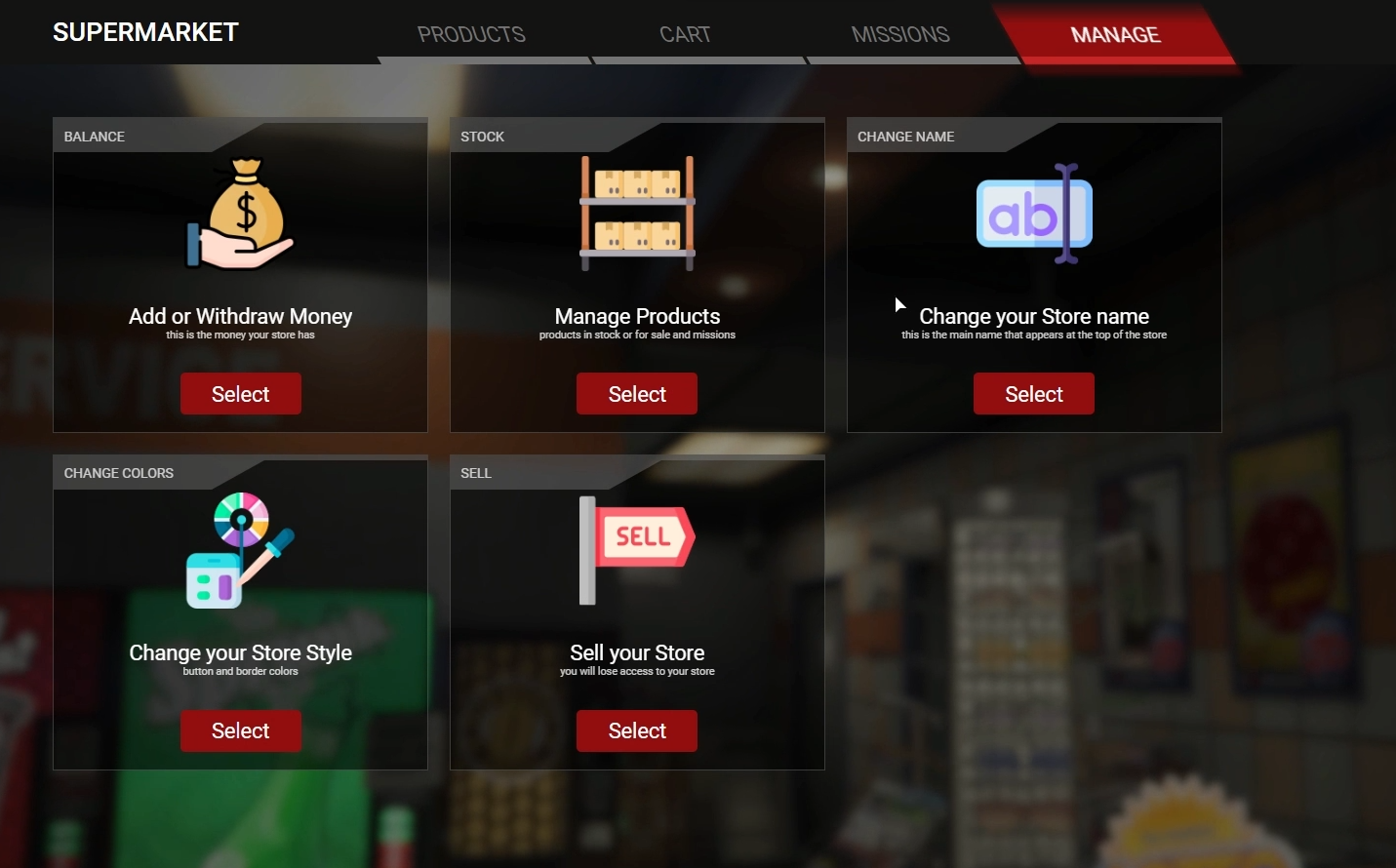
Customization Store:
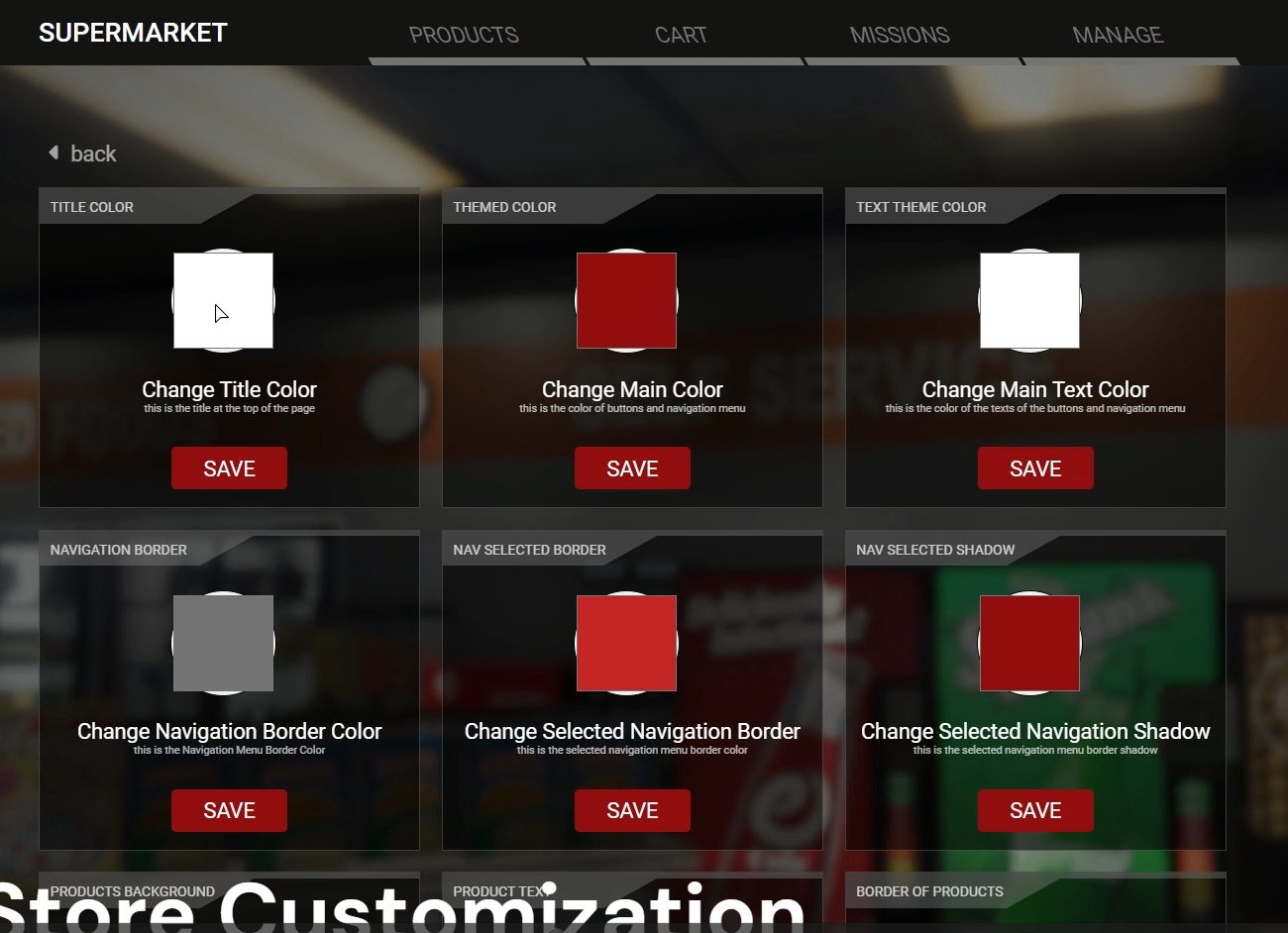
After Customizing:
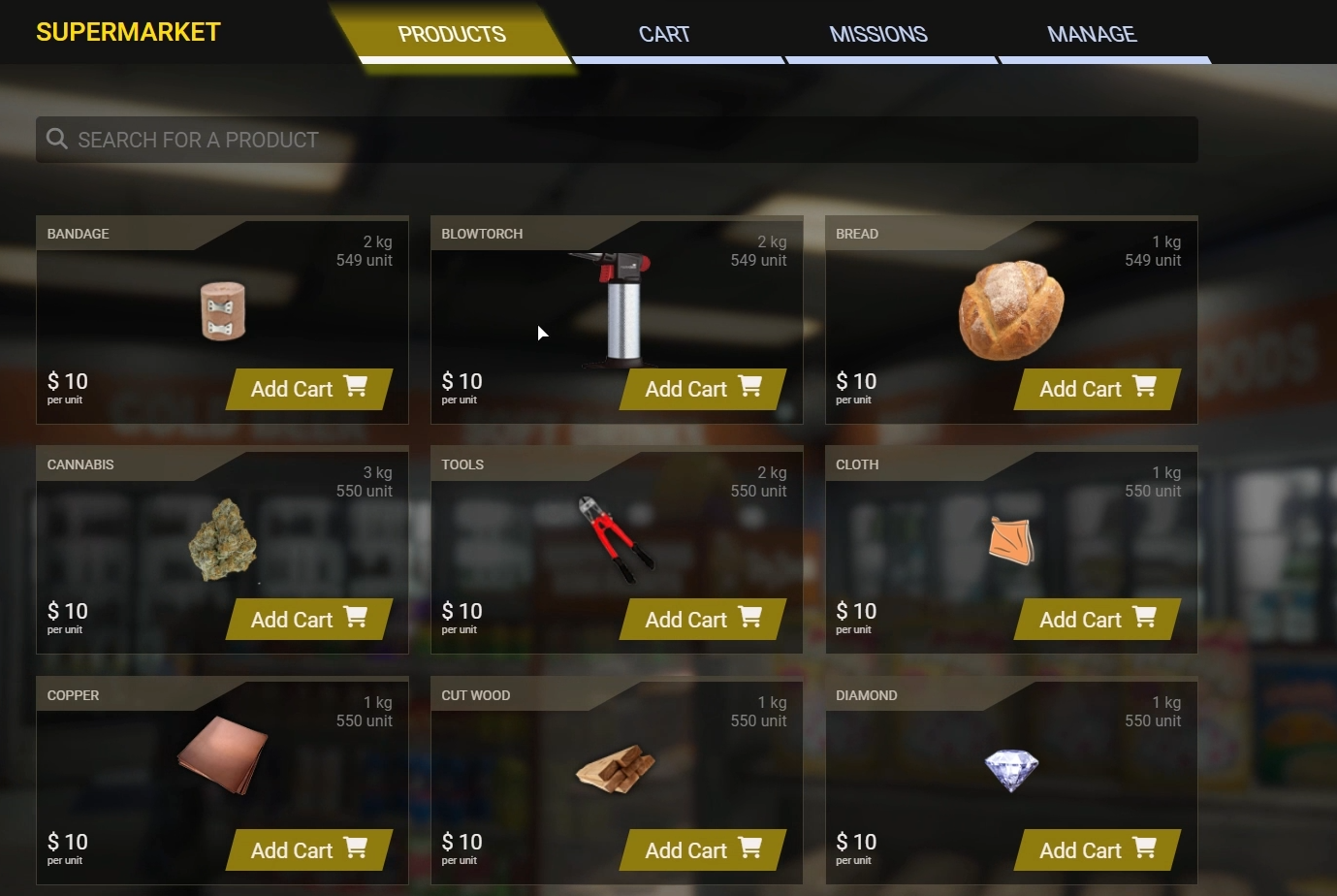
Admin Menu:
What admin can do with a store:
Updates
The old script template has been added, giving more variety in store design.
Below are some images showing the flexibility that the script brings in creating stores:
Vídeo:
https://www.youtube.com/watch?v=xJcOeI-mrtk&ab_channel=LegendaryTeam