Explanation:
Often times, being a miner is something very boring when you just have to go to a few markings and then press a key and then perform an animation. So, to make a difference to that, we created this simple minigame for miners. There are two minigames that are very easy to use and that work on any server. To use them, you'll just have to call the event that opens the mini game on the player's screen.
Features:
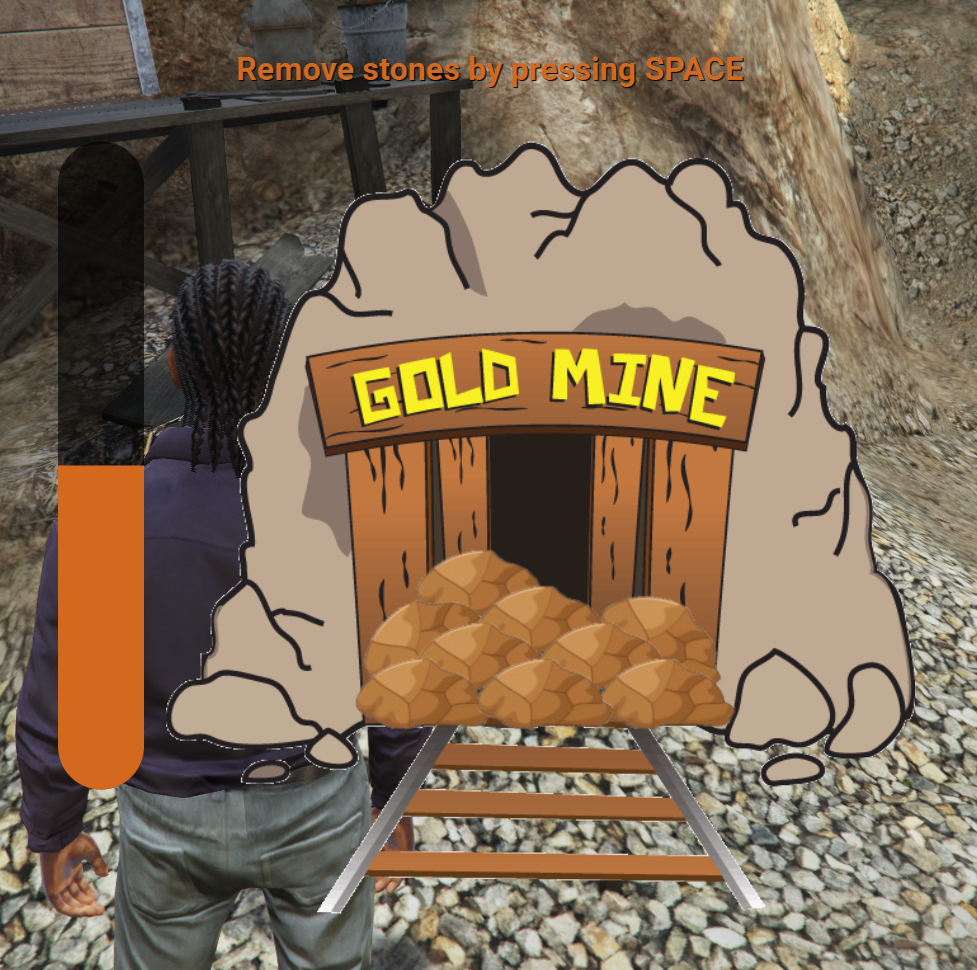
Puzzle 1: remove the stones from the mine path
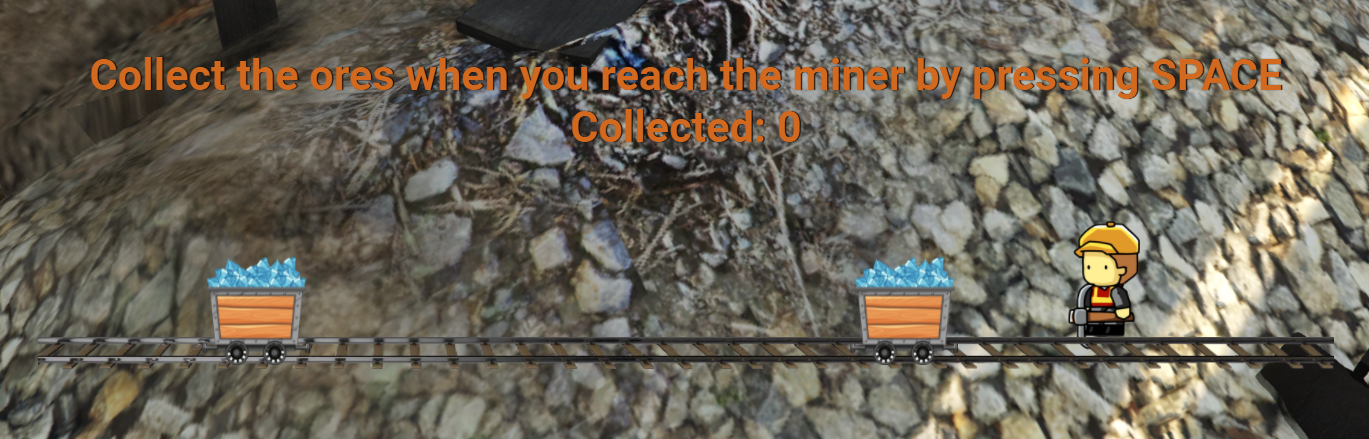
Puzzle 2: get the ore carts
How to use:
For the first mini game, you can open it by calling the event “lg_puzzleminer:Open_1” which is on the client side.
Example of how to open the first mini game with a difficulty of 2:
Note: difficulty 1 is the hardest of all.
TriggerEvent("lg_puzzleminer:Open_1", 2, function(result)
        if result.success then
            -- Here you define what happens when you complete the first mini game.
        else
            -- Here you define what happens when the player cancels the first mini game
        end
    end)
To open the second mini game, you can open it by calling the event: “lg_puzzleminer:Open_2” which is on the client side.
Example of how to open the second mini game, with 10 carts, speed equal to 80 and cart spawn time equal to 1000 milliseconds (1 second).
In this event, you can also check when carts the player has picked up, using result.amount.
Note: The lower the speed value, the faster the car will be.
TriggerEvent("lg_puzzleminer:Open_2", 10, 80, 1000, function(result)
        if result.success then
            -- Here you define what happens when you complete the second mini game.
            print("You completed the second puzzle and you got this amount of carts: " .. result.amount)
        else
            -- Here you define what happens when the player cancels the second mini game
            print("You canceled the second puzzle")
        end
    end)
Resmon:
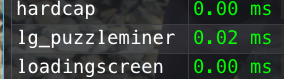
The maximum captured was 0.02ms when the puzzle was open.
Demonstration:
Puzzle 1:

Puzzle 2: