Crew System with Pla
This item is free.
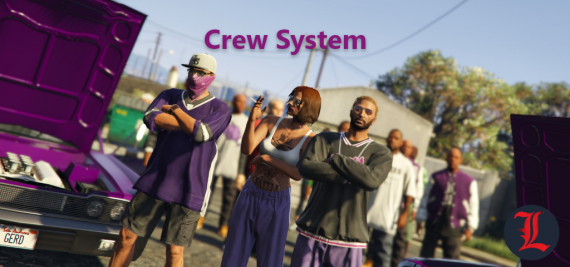
Package Description

Crew System
Explanation:
A Crews Creation Script, in which a player can create his crew and invite friends to be part of it. This can be used by police officers to be more organized and more efficient in pursuit, it can be used by hospitals to gain a better sense of how their ambulances move. Taxi drivers can use it to organize themselves and check if a ticket is closer to him or another taxi driver. Or if your server is a PVP-oriented server and one in which it is interesting to have clans or guilds, then this script is perfect for you, and you can still activate a Rank option, to rank the best Crews by Kill. There are many ways to use this Script.
Features:
- This Script is completely Standalone, without the need for configuration for frameworks. It will work on any server.
- A player can be part of a single Crew.
- For each Crew, there are 3 types of positions: owner, manager and user. Only the Owner can promote a member to Manager.
- The Owner and Manager can invite or kick a player.
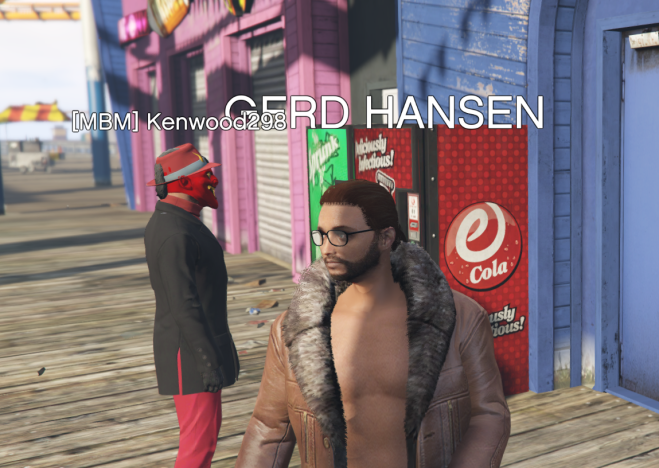
- If you activate in the settings so that the name of the Crew player is visible, then all members of the Crew will be able to see your name above their head.
- If you activate in the settings so that a blip is placed on the players, then everyone on the Crew will be able to see their position in real time on the map and mini map.
- If you activate in the settings so that the Script is used only at certain coordinates, then all of these characteristics will work only when the player is within the radius of that coordinate.
- If you activate in the settings to have a rank among Crews, then there will be a rank that classifies Crews by Kill.
- This script can be very useful for police and hospital in roleplay. It is very useful for servers that establish guilds or clans.
- All Crews and Rank are saved in the database. The tables are created automatically by the Script, without the need for any SQL file.
- This script contains another script of ours, IconMenu, free of charge. Because it was used to create the CrewSystem interactive menus.
- The script is not encrypted or blocked by IP.
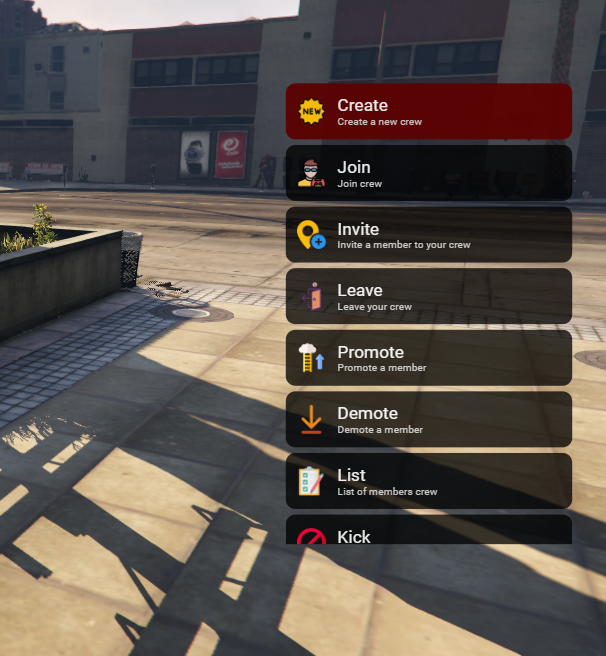
Interactive menu, using /crew
Crew members' names
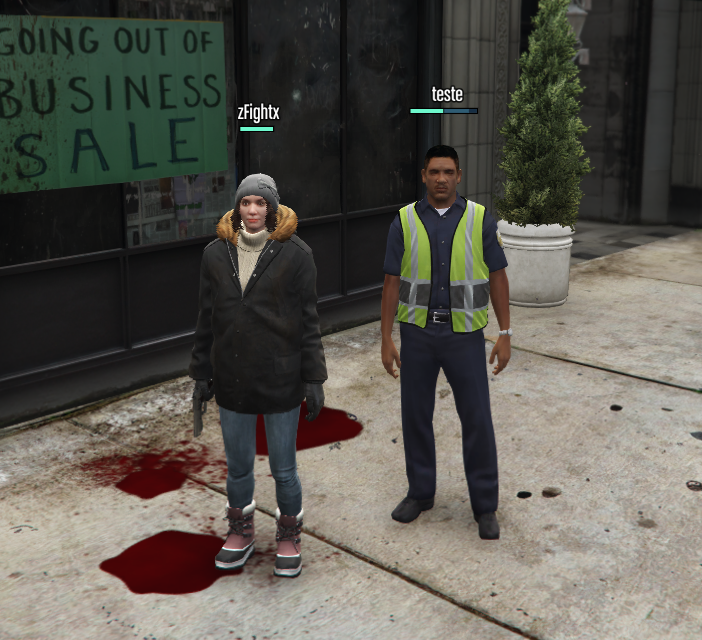
A crew organizes by the police

Blip marking Crew players on the map

Image Rank:

Usable commands:
- /crew -- this command opens a general menu with all the options below
- /joincrew -- you can use this command to join a crew you've been invited to
- /createcrew NAME -- you can use this command to create a crew
- /invitecrew -- you can use this command to invite someone to your crew
- /leftcrew -- you can use this command to leave a crew
- /provecrew -- You can use this command to promote someone on your crew
- /demotecrew -- You can use this command to remove the promotion from someone on your crew
- /listcrew -- You can use this command to view the list of members of your crew
- /kickcrew -- You can use this command to kick someone from your crew
- /deletecrew -- You can use this command to delete your crew
- /rank -- You can use this command to see the crew rank
How to install:
put the following lines in your server.cfg :
start icon_menu
start CrewSystem
Dependências:
this script automatically creates the table in the database.
- mysql-async ( for ESX and Standalone )
- oxmysql ( for QBCore )
The script is not encrypted or blocked by IP.