Manage Your own Stor
This item is free.
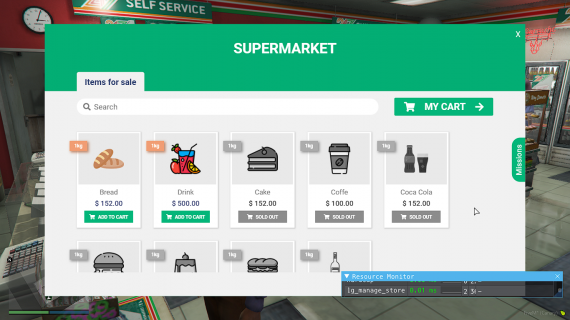
Package Description
Explanation:
At the request of some comments made in our other script, we decided to create this new script following the same design pattern of Supermarket and Stores.
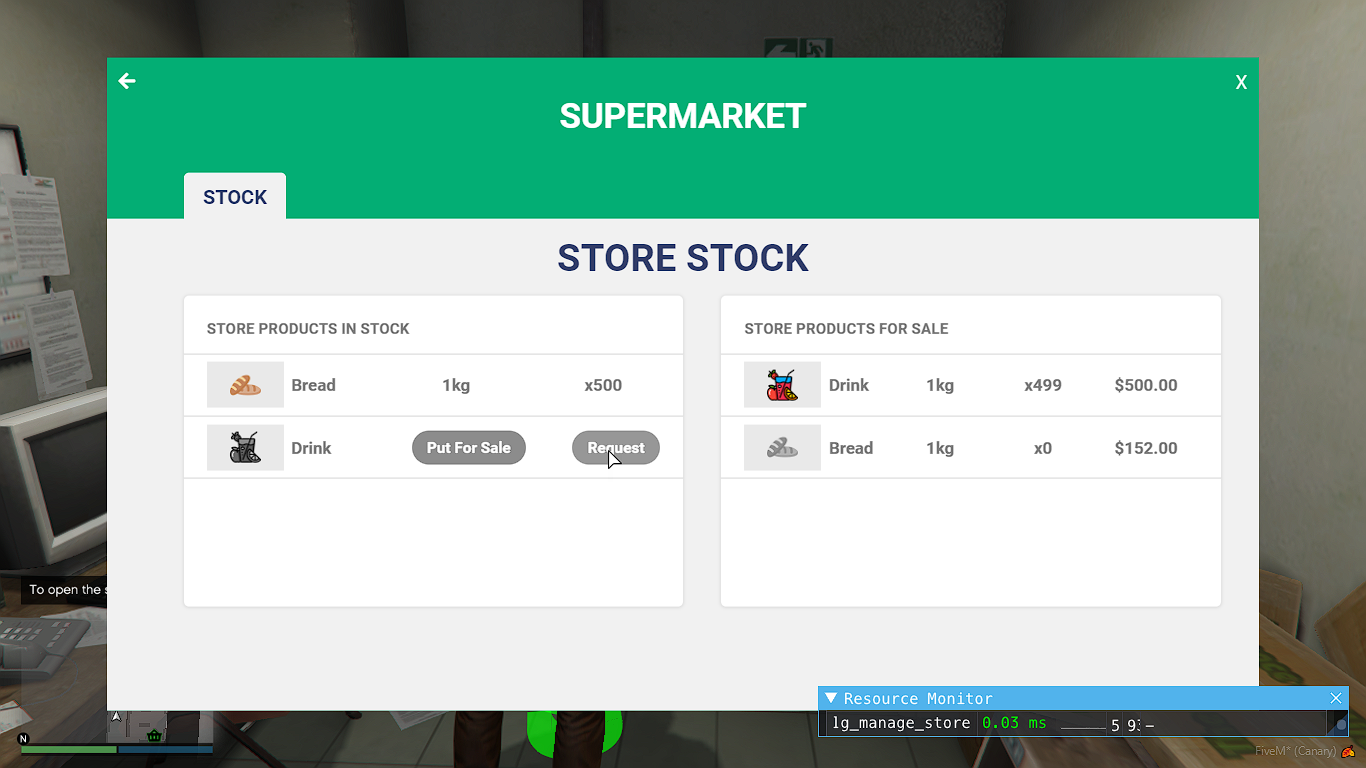
Now players will be able to buy Stores and manage them. When managing a store, the player will be able to request products, thus creating interaction between players, as other players will be able to go to the store and accept the mission to take those products to it.
Features:
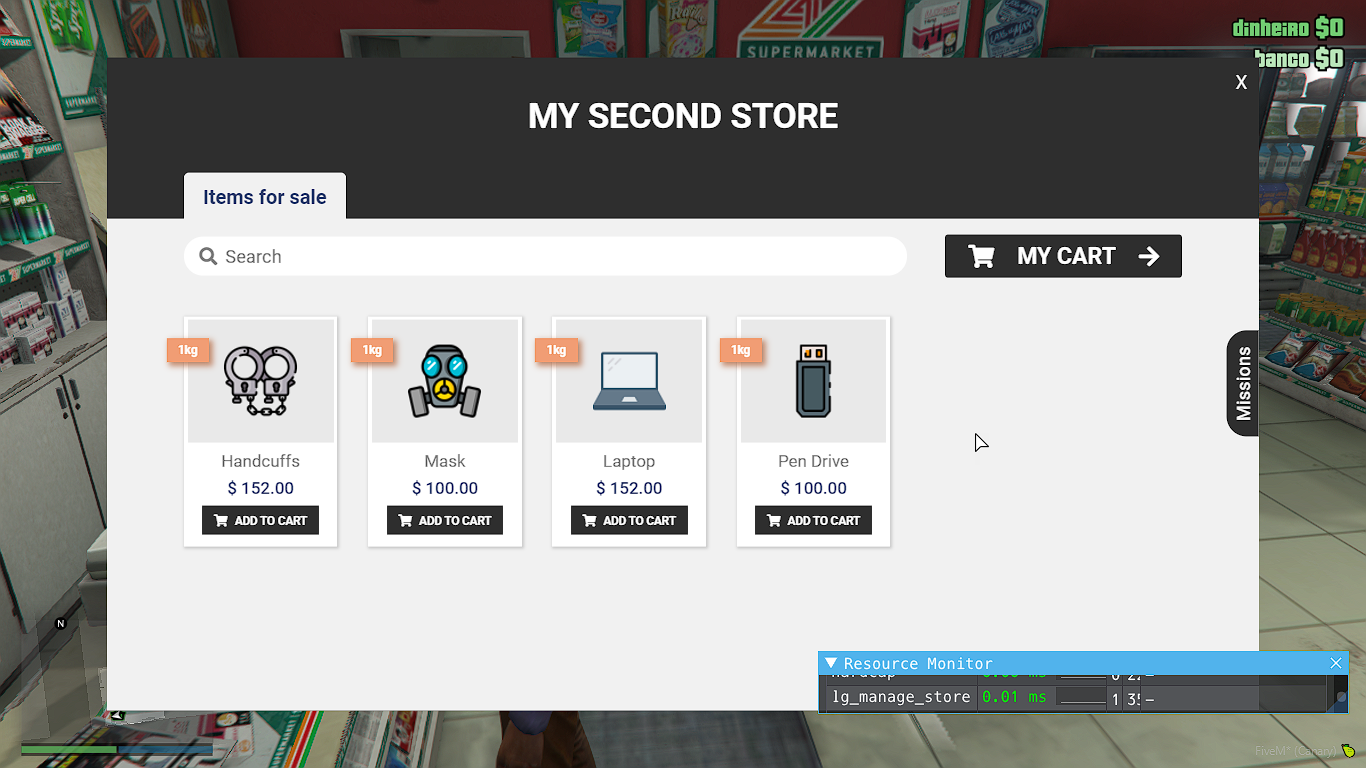
- You can create as many stores as you like on your server with a different variety of products.
- You will be able to define the coordinates of each store, the header color, the color of the buttons, the type of marker on the floor, the type of blip, the name of the store and the products it will be able to sell.
- You will be able to define the coordinates of the missions. You can put that for each item, have a different coordinate, for example, put so that the Wheat mission is on the Farm. Or you can just leave the coordinate random.
- Players can buy stores.
- Players can manage the stores.
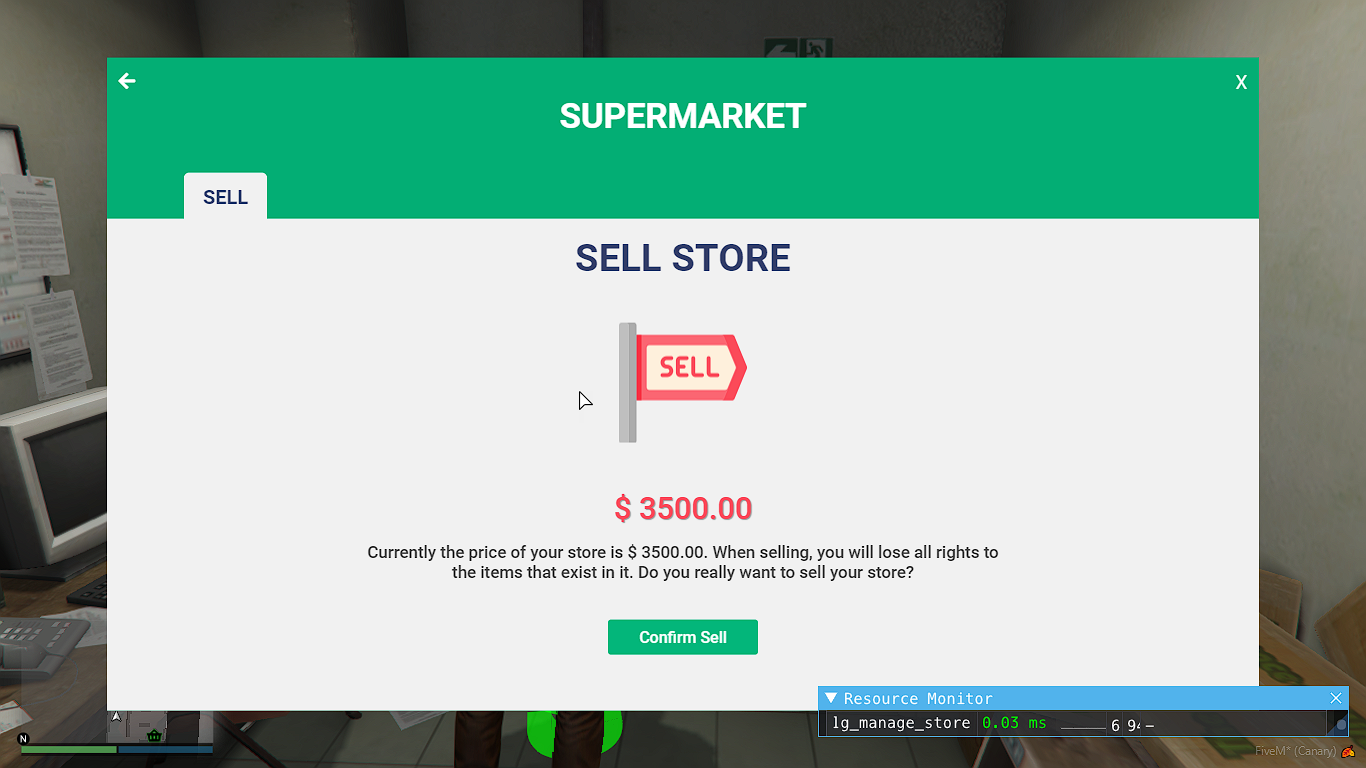
- Players can sell the store for a lower price.
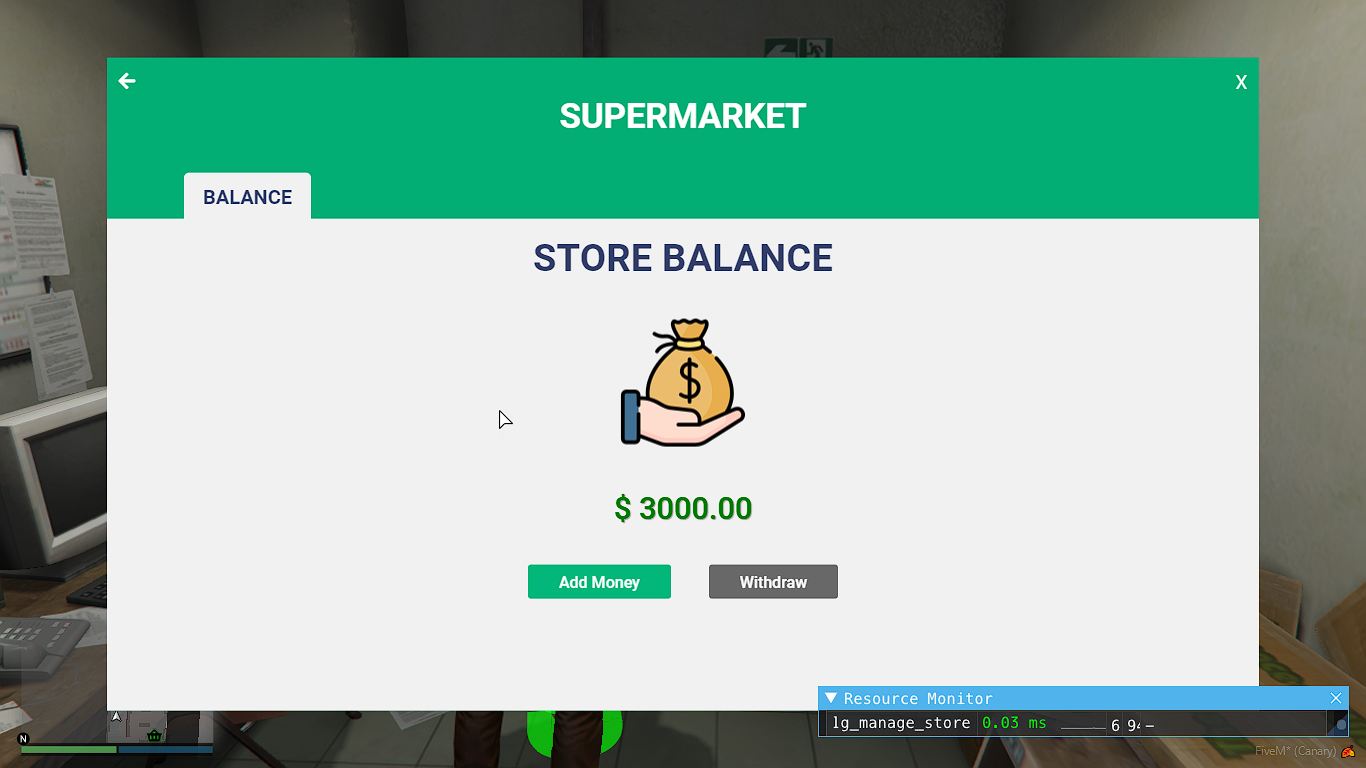
- The store owner will be able to place or withdraw money from the Store Balance.
- When other players purchase a product from the store, the full amount will be placed in the Store Balance.
- The player can accept a quest by going to the shop and clicking on the quests tab.
- Upon accepting a mission, the player will receive a marking on their map and GPS, and when going to the location with a vehicle, they will receive the items. After that, you will have to return to the appointment near the store to receive payment for the mission.
- Very easy to configure and translate.
- When purchasing, you will receive 4 versions by email: ESX, QBCore, VRP and Standalone. In the standalone version it will be necessary to configure the functions of the Configurate.lua file.
- You will have full access to the code and have no IP blocker.
Resmon:
The script is fully optimized, getting 0.01ms away from stores and 0.04ms away from stores. This can be seen by watching the video.
SuperMarket:
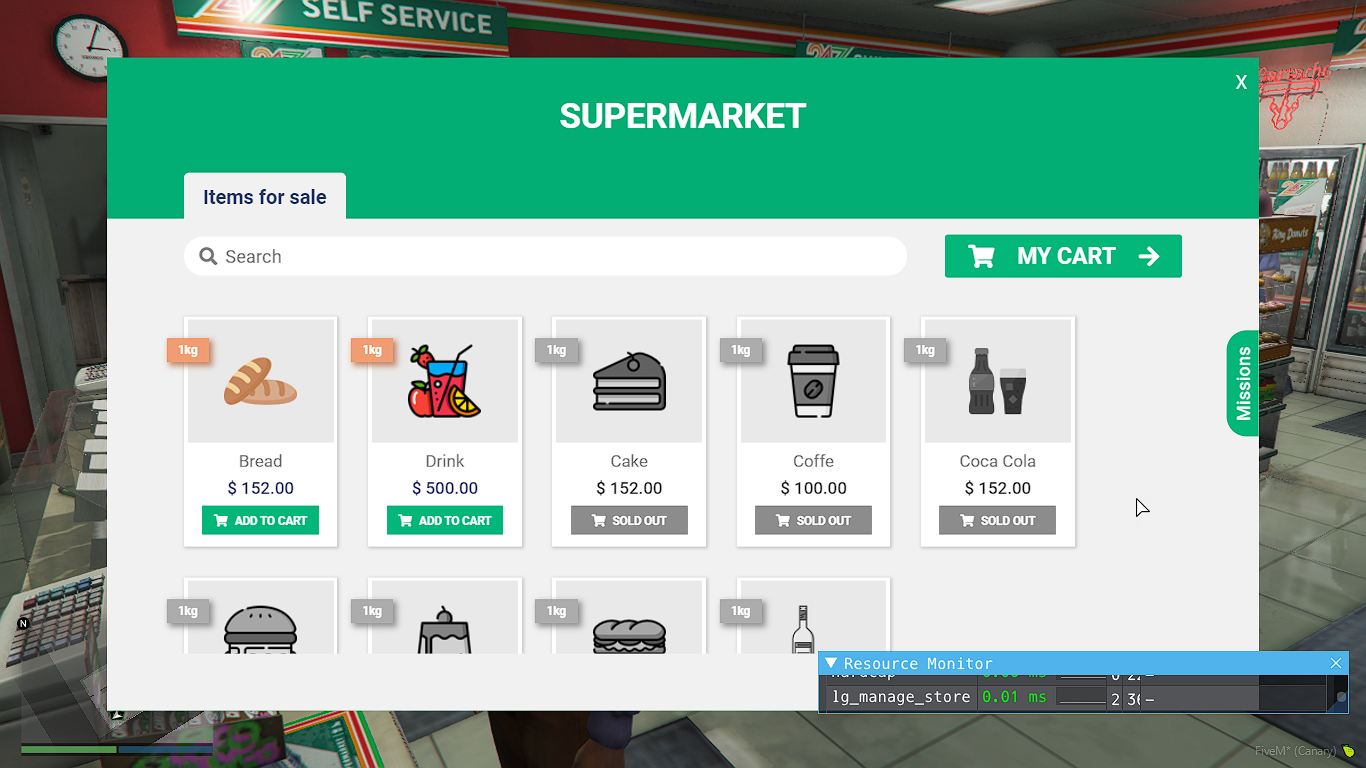
Payment SuperMarket:
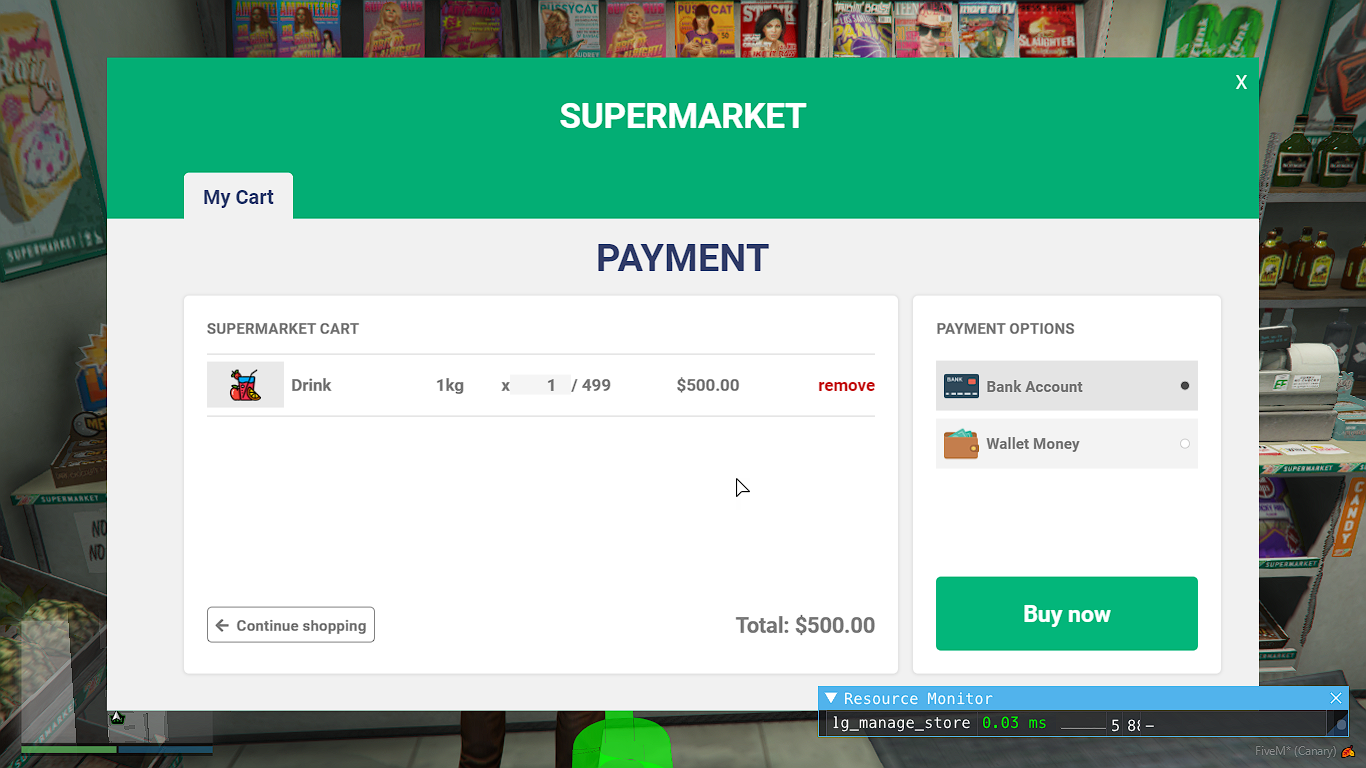
Mission SuperMarket:
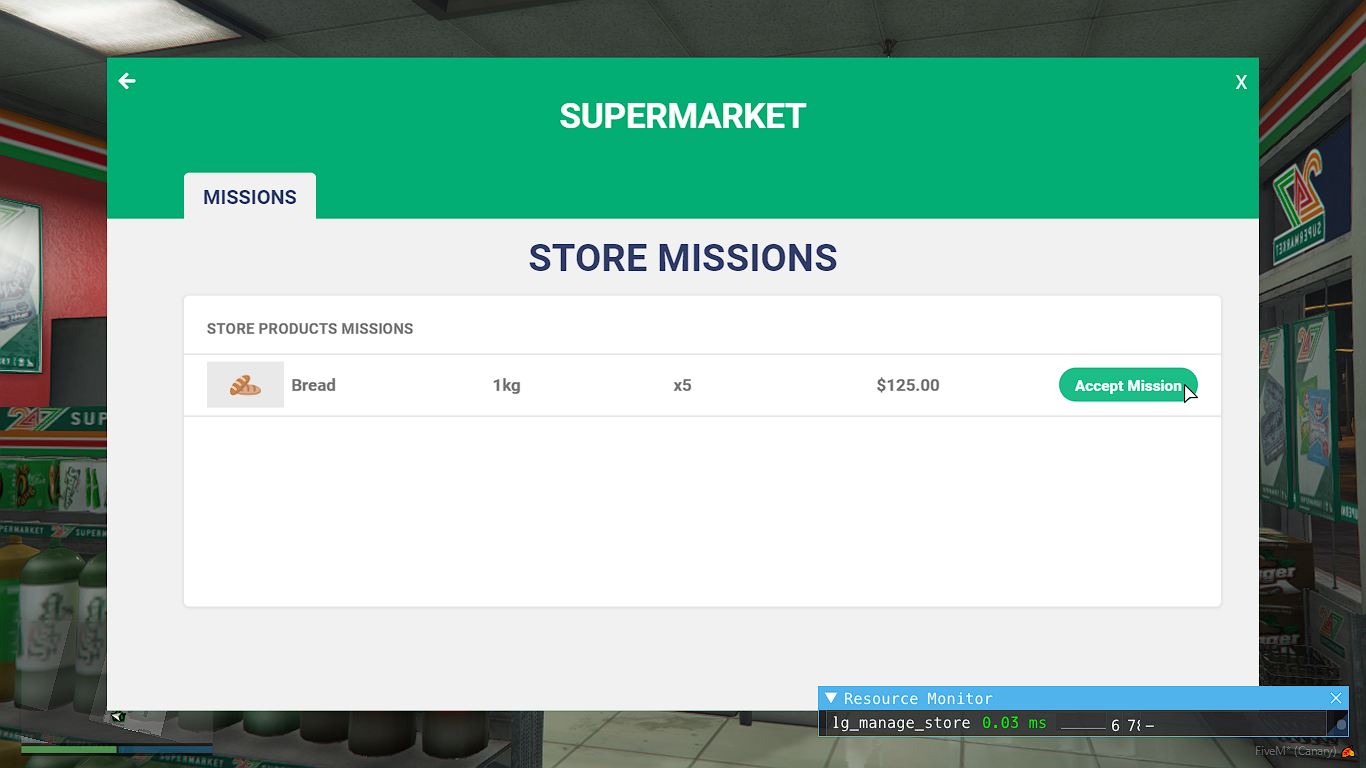
Manage Store:

Stock Store:
Balance Store:
Sell Store:
A Second Store Created:
Vídeo:
https://www.youtube.com/watch?v=eeUU7y83xls